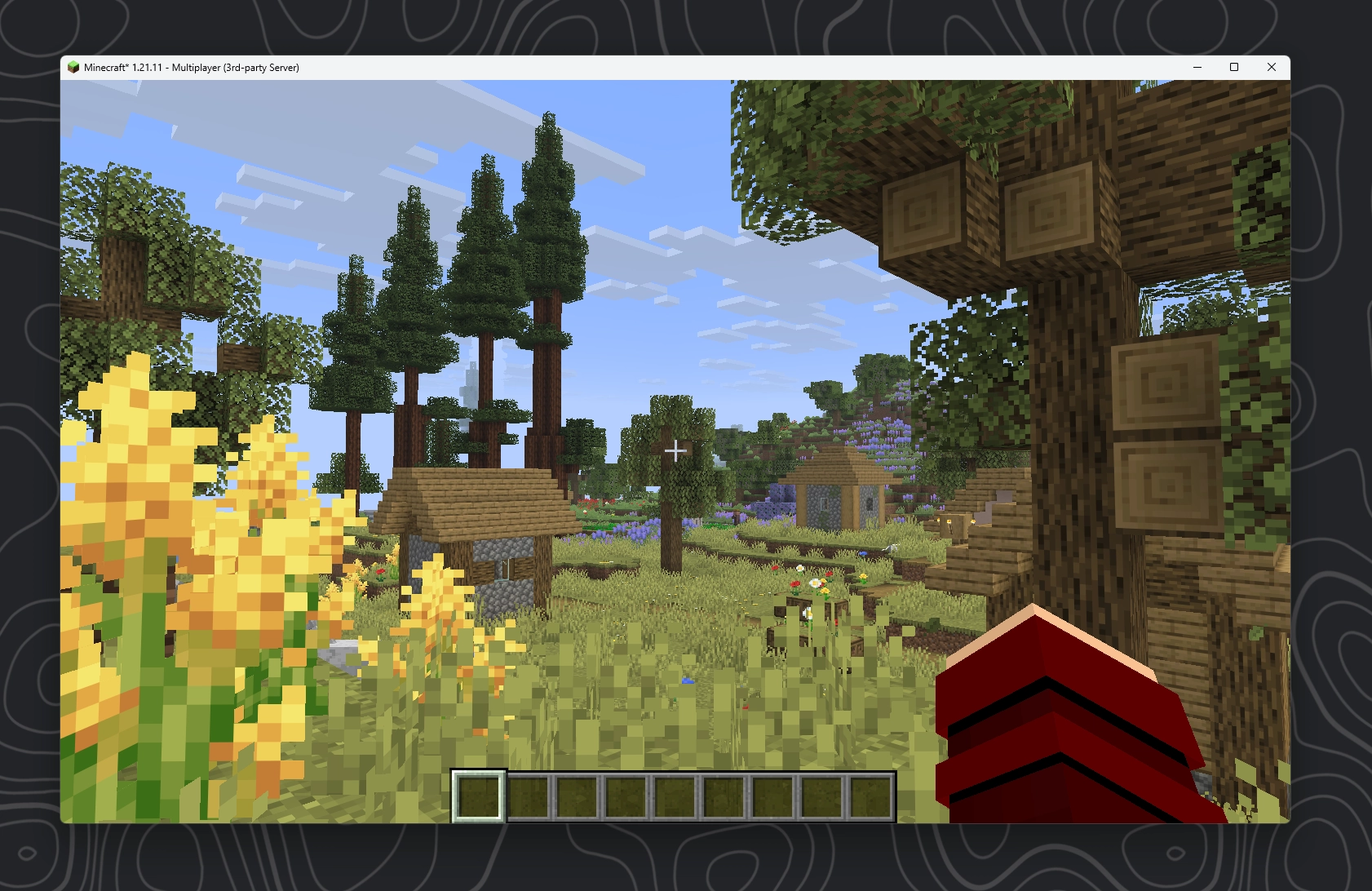
Installing mods
Installing mods on any of the 3 modloaders works pretty much in the exact same way. Once you have accepted the EULA and booted up the server again there should be a mods folder in your server folder now:
- Modded Server1 folder, 2 files
- mods
- start.bat
- ....
As you might have already guessed, similar to how we installed plugin for our plugin servers, we can now download any mod and just put the mod .jar file into this folder. Please be aware though that most mods will also need to be installed on the client for your players to connect.
Where to download mods
In there are really just 2 popular websites to download mods, one of which we already talked about:
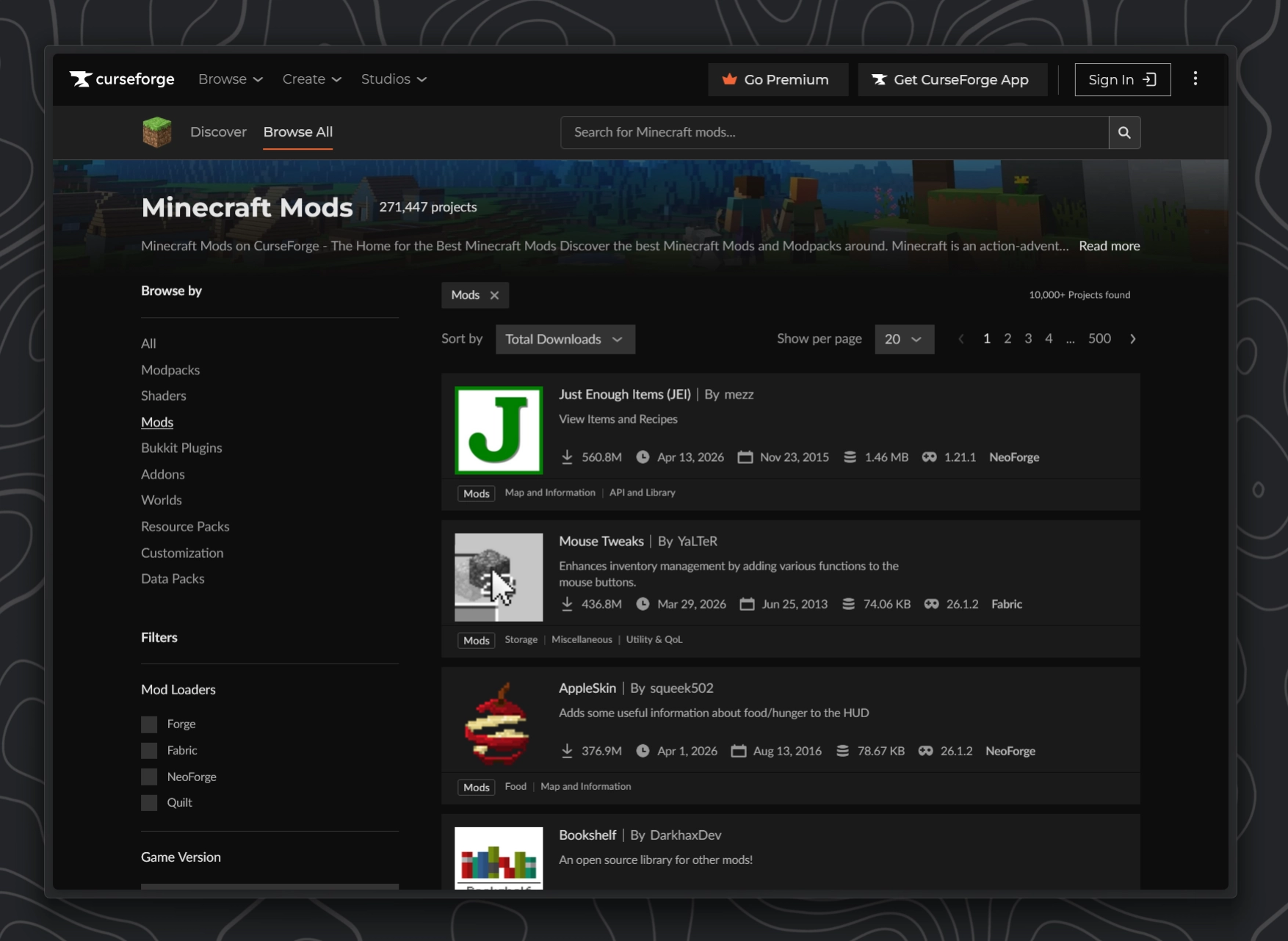
Similar to SpigotMC, CurseForge is one of the old players. Its been around for ages and still hosts many mods that have been abandoned for many years now.
Modrinth Recommended
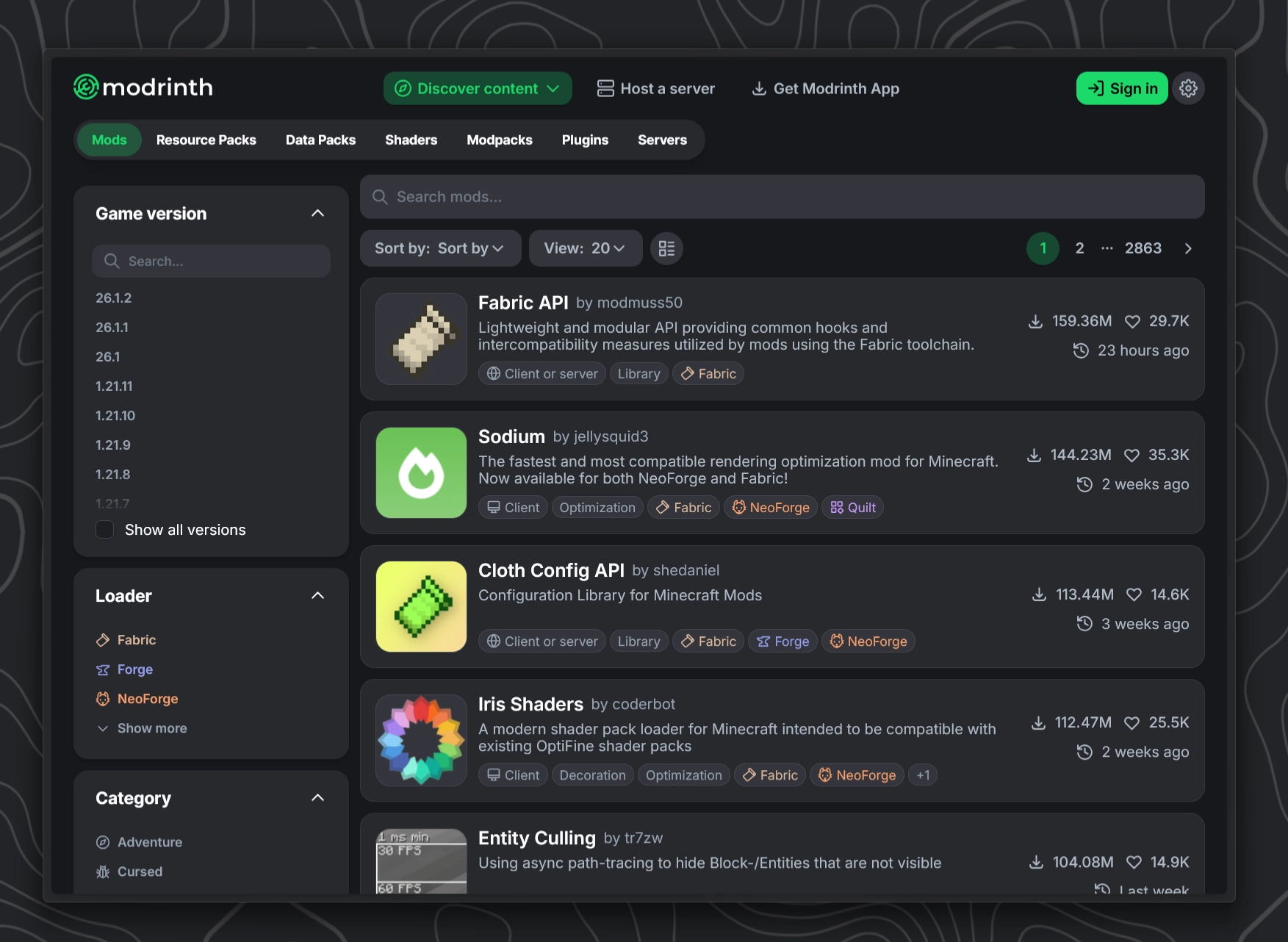
Starting in 2020 Modrinth quite literally changed the game. They are an open-source modding and plugin platform. They also offer their own launcher, Modrinth App. The offer a cleaner UI and UX over Curseforge but lacky many older mods that were already abandoned by the developer before Modrinth even launched.
While I would generally recommend Modrinth over Curseforge, mainly just because I like the UI better and you don't have to wait 5 seconds before downloading anything, both of these websites are pretty good.
If you are more into older modpacks like for version 1.7.10 and 1.12.2, there is pretty much now way getting around CurseForge.
While most developers that publish their mods now usually do so on both sites, there are still noticeable exceptions. Like for example the very popular RlCraft Modpack only being available on CurseForge. In the end you should probably just search Google for the mod you like and then download from the suggested page.
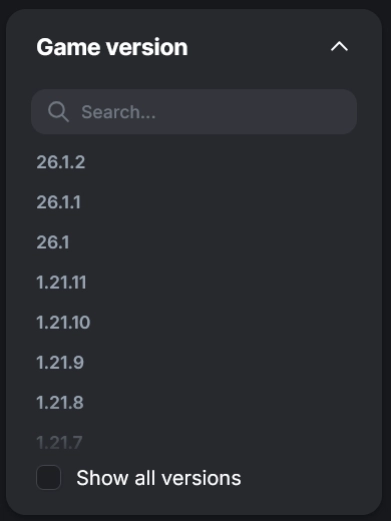
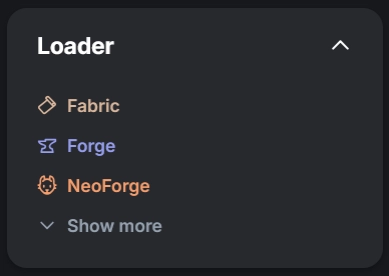
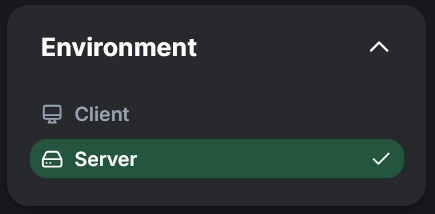
When searching for Mods make sure to configure the filters for your mod loader and your server's Minecraft version. Optionally you can filter specifically for mods that are meant to run on a server.
Example: Downloading Biomes O' Plenty from Modrinth
Alright for this example lets download the very popular Biomes O' Plenty Mod which has over 212 million downloads on CurseForge and another 20 million on Modrinth. It is one of most popular biome mods out there.

While there a many even more popular mods out there, many of them are only working on the client. Biomes O' plenty is a good example for a mod that mainly lives on the server because this is where all the world generation is handled.
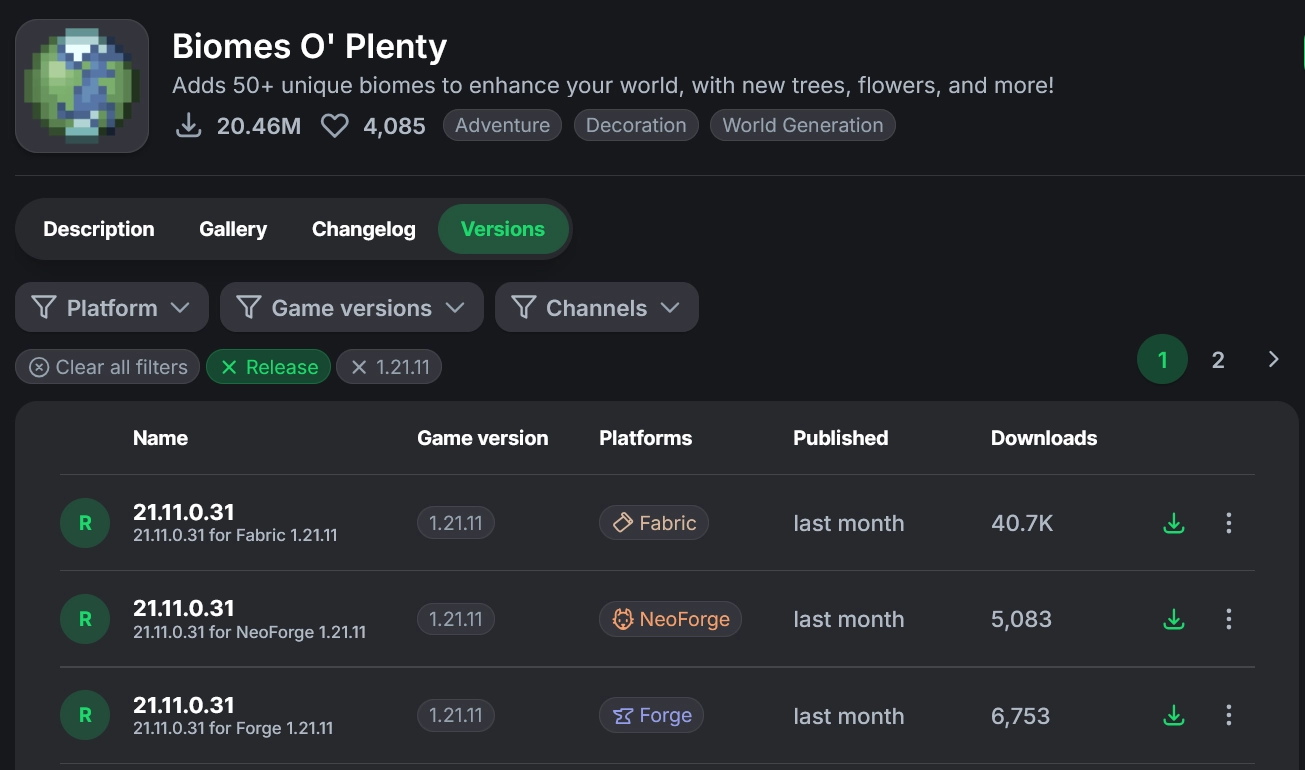
Let's head to the Versions tab and set a filter that matches our server. In this example I want to run this mod on a Fabric 1.21.11 server. I also set the filter to release so we don't get any buggy alpha or beta versions. Continue by clicking the small green download button next to the version you want.
Check for dependencies
Many mods need other mods installed as well to work properly, these are called dependencies. Let's check if Biomes O' Plenty needs any other mods:
From the official description:
Requires GlitchCore for Minecraft 1.20.4 and above!
Also requires Fabric API for Fabric version.
Requires TerraBlender for Minecraft 1.18 and above!
We continue by also downloading these 3 mods for our specific version.
As previously explained, we now need to drag the downloaded mod files into our server's mods folder. If you followed everything above correctly, your folder should now look somewhat like this:
- Fabric Server3 folders, 3 files
- libraries
- mods4 files
- BiomesOPlenty-fabric-1.21.11-21.11.0.31.jar
- GlitchCore-fabric-1.21.11-21.11.0.4.jar
- fabric-api-0.141.3+1.21.11.jar
- TerraBlender-fabric-1.21.11-21.11.0.0.jar
- ...
- server.jar
- run.bat
- ...
WARNING
Since the Biomes O' Plenty mod will modify our world generation, we should delete the world of our server if it had any prior to this.
Delete the world folder before proceeding.
Joining the Server
As I mentioned above we will need to install all of these mods also on our client. Therefore lets start up a client with the same fabric version as our server and the 4 mods above.
After joining as described in #Starting the Server we should see that we can now see the new biomes from the Biomes O' Plenty mod.